Modern gaming is not limited to consoles and handheld devices. Many gamers also use Mac systems for indie titles, emulation, strategy games, and cloud-based play. While gaming on a Mac, you may notice a setting called Airplane Mode and wonder how it affects your system and your games. This guide from theportablegamer explains how Airplane Mode works on Mac and how gamers can use it correctly.
What Airplane Mode Means on a Mac
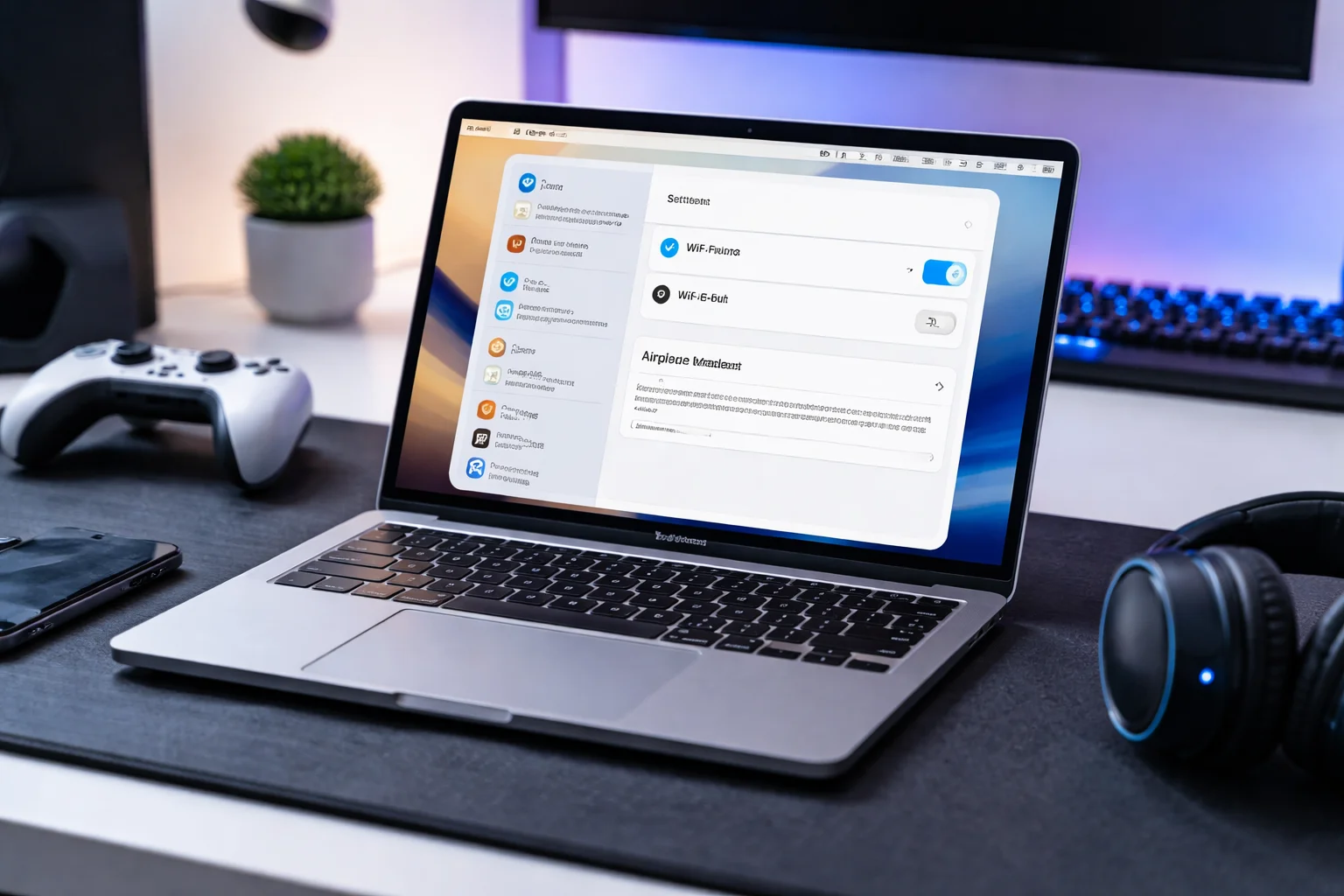
Airplane Mode on a Mac is a system setting that disables all wireless connections at once. When turned on, it switches off Wi-Fi, Bluetooth, and other wireless signals. Unlike mobile devices, Macs do not always show a single Airplane Mode toggle, but the result is the same when wireless features are disabled together.
For gamers, this setting can change how games behave, especially those that rely on online features, updates, or wireless controllers.
How Airplane Mode Affects Gaming on Mac
When Airplane Mode or its equivalent wireless-off state is active, your Mac becomes fully offline. This can be useful in some gaming situations and limiting in others.
Offline games continue to work normally. Single-player games, emulated titles, and locally installed games do not need an internet connection to run. These games often perform the same or even more smoothly without background network activity.
Online games, however, will not function. Multiplayer titles, cloud-based games, and any game that requires account verification or live servers will fail to connect while Airplane Mode is active.
Why Gamers Use Airplane Mode on Mac
Some gamers choose to use Airplane Mode intentionally. One reason is to reduce distractions. Turning off wireless connections prevents notifications, messages, and background syncing while playing story-driven or competitive games.
Another reason is performance stability. In certain cases, background network tasks can cause small interruptions. Playing offline can help maintain consistent gameplay for titles that do not rely on online services.
Battery conservation is also a factor for laptop gamers. Disabling wireless features can reduce power usage during long gaming sessions, especially when playing lightweight or retro-style games.
Airplane Mode and Game Controllers
Many gaming controllers connect through Bluetooth. When Airplane Mode is enabled, Bluetooth is disabled as well, which means wireless controllers will stop working.
If you use a controller with your Mac, you have two options. You can switch to a wired controller connection, or you can manually re-enable Bluetooth while keeping other wireless features off. This allows you to continue gaming without full internet access.
Managing Airplane Mode Settings on Mac
Mac systems allow users to control wireless features individually. Even without a single Airplane Mode button, you can turn off Wi-Fi and Bluetooth from system settings or the menu bar.
This flexibility is useful for gamers. You can stay offline while keeping a controller connected, or disable Bluetooth while remaining connected to a wired internet setup if needed.
Theportablegamer recommends adjusting these settings based on the type of game you are playing and the hardware you are using.
When You Should Not Use Airplane Mode
Airplane Mode is not suitable for every gaming situation. If a game needs online access for saving progress, syncing content, or connecting with other players, the mode will interrupt gameplay.
Some games also require an active connection to launch properly. In these cases, Airplane Mode should be avoided to prevent loading errors or restricted access.
Airplane Mode for Focused Gaming Sessions
For gamers who enjoy uninterrupted play, Airplane Mode can be a practical tool. It creates a focused environment where the system runs only what is necessary for the game. This is especially useful for long sessions with narrative games or turn-based titles where concentration matters.
Using this setting thoughtfully helps maintain a balance between connectivity and focus.
Final Thoughts from theportablegamer
Understanding how Airplane Mode works on Mac helps gamers make better decisions about their setup. It is not just a travel feature but a useful option for controlling connectivity during gaming sessions.
Whether you are playing offline titles, emulated classics, or local multiplayer games, knowing when and how to use Airplane Mode can improve your overall experience. Theportablegamer continues to guide players through practical system features that support smarter, more enjoyable gaming.