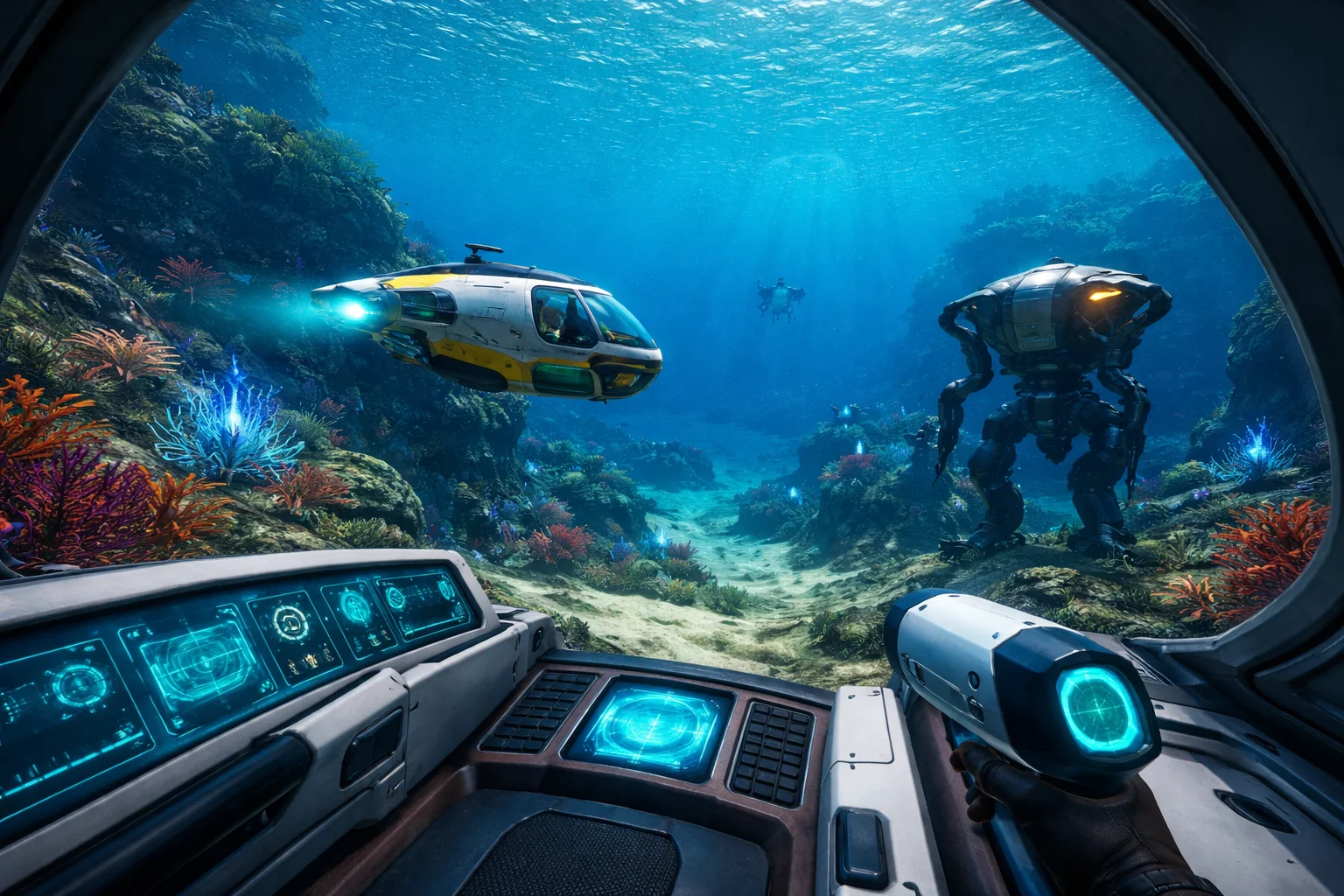
Subnautica is known for its deep survival mechanics, mysterious ocean world, and strong sense of discovery. While the game is designed to be experienced naturally, console commands offer players additional control over their gameplay. These commands can help with testing, creative exploration, fixing issues, or simply learning how the game systems work.
This guide from theportablegamer explains Subnautica console commands in a clear and practical way. It is written for console players who want accurate information without confusion, shortcuts, or unsafe advice.
What Are Console Commands in Subnautica?
Console commands are built-in developer tools that allow players to change certain aspects of the game while playing. In Subnautica, these commands can be used to spawn items, adjust the environment, manage health and resources, or troubleshoot bugs.
On consoles, commands are mainly used for creative play, learning purposes, or recovering progress if something goes wrong. They are not required to complete the game and should be used carefully.
Important Things to Know Before Using Commands
Before using console commands, there are a few important points every player should understand.
Using commands can disable achievements in the current save file. This means that if you care about unlocking trophies or achievements, it is better to use commands on a separate save.
Commands can also change the balance of the game. Subnautica is designed around survival pressure, exploration, and risk. Skipping these systems may reduce the intended experience.
Finally, console commands are not always officially supported for gameplay fixes. While many are safe, incorrect usage can cause unexpected behavior.
How to Open the Console on Different Platforms
The way you open the console depends on the platform you are playing on.
PlayStation Consoles
On PlayStation, press L1 + R1 + X at the same time. This opens a small text input box at the top of the screen where commands can be entered.
Xbox Consoles
On Xbox, press LB + RB + A together. Just like on PlayStation, a command input field will appear.
Once the console is open, type the command exactly as written and press enter to activate it.
Commonly Used Subnautica Console Commands
Below are some of the most useful and commonly used commands. These are grouped by purpose to make them easier to understand and use.
Basic Utility Commands
These commands help manage visibility, movement, and general gameplay behavior.
- Nocost: Allows crafting without using materials. Useful for creative builds.
- Fastbuild: Speeds up construction of bases and vehicles.
- Oxygen: Disables oxygen consumption, allowing unlimited underwater time.
- Invisible: Makes creatures ignore the player.
- Day: Sets the time to daytime.
- Night: Sets the time to nighttime.
These commands are often used for exploration or testing base layouts without survival pressure.
Health and Survival Commands
Subnautica’s survival systems are core to its design, but commands can help adjust them when needed.
- item firstaidkit: Gives a first aid kit instantly.
- Heal: Restores player health.
- Food: Fills hunger completely.
- Water: Fills thirst completely.
These commands are especially helpful if a save file becomes difficult due to glitches or lost resources.
Movement and Exploration Commands
These commands affect how the player moves through the world.
- warpforward [number]: Teleports the player forward by a set distance.
- goto [location]: Teleports the player to specific coordinates or known areas.
- Fly: Enables free movement through the environment.
- Ghost: Allows the player to pass through terrain.
Movement commands are useful for exploring deep areas, locating lost bases, or navigating around map issues.
Item and Resource Commands
Spawning items can save time when testing equipment or recovering progress.
- item [item name] [quantity]: Spawns a chosen item in the inventory.
Examples include tools, batteries, materials, or upgrade modules. Item names must be typed correctly to work.
It is recommended to use these commands carefully, especially in survival saves.
Vehicle and Equipment Commands
Subnautica vehicles play a major role in exploration. These commands help manage them.
- spawn seamoth: Creates a Seamoth near the player.
- spawn prawn: Spawns a Prawn Suit.
- spawn cyclops: Spawns a Cyclops submarine.
- Unlockall: Unlocks all blueprints instantly.
These commands are helpful for learning vehicle mechanics or testing upgrades without replaying large sections of the game.
Environment and Creature Commands
Some commands affect the world and its inhabitants.
- Kill: Removes nearby creatures.
- Fog: Toggles underwater fog.
- speed [number]: Adjusts player movement speed.
- Radiation: Toggles radiation effects.
These commands should be used with care, as they can significantly change how the world behaves.
Fixing Common Issues Using Console Commands
Console commands are sometimes used to fix problems rather than change gameplay.
- If a vehicle becomes stuck, using movement commands can help reposition it.
- If an objective does not trigger correctly, teleporting away and returning may refresh the area.
- If resources disappear due to bugs, item commands can help recover essential tools without restarting progress.
Theportablegamer recommends using commands as a last option when normal gameplay solutions fail.
Are Console Commands Safe to Use?
Console commands are part of the game’s internal systems and are generally safe when used correctly. However, they are not meant for regular progression and may cause unexpected results if overused.
- Using commands in moderation, on backup saves, or for learning purposes is the safest approach.
- Commands should not be relied on to replace normal gameplay, especially for first-time players.
Best Practices for Using Subnautica Console Commands
To avoid issues, follow these simple practices.
- Use commands on a separate save file when possible.
- Avoid combining too many commands at once.
- Do not rely on commands to skip core mechanics if you want the full experience.
- Always save before experimenting with new commands.
These habits help keep your progress stable and enjoyable.
When Should You Avoid Console Commands?
If you are playing Subnautica for the first time, it is best to avoid commands entirely. The sense of discovery, tension, and learning is a major part of the game’s design.
- If you are achievement hunting, commands should be avoided, as they can disable progress.
- If the game is running normally and no bugs are present, commands are not necessary.
Why theportablegamer Covers Console Commands
At theportablegamer, guides focus on helping players understand games more deeply. Console commands are part of that understanding. They are tools that exist within the game and can be useful when used responsibly.
This guide is designed to inform, not encourage misuse. Knowing how systems work gives players more confidence and control.
Final Thoughts
Subnautica console commands offer powerful options for exploration, learning, and problem-solving. When used carefully, they can enhance understanding without harming the experience.
This guide from theportablegamer provides clear, accurate information so players can make informed choices. Whether you are testing builds, recovering from a glitch, or exploring creatively, console commands are best used with intention and restraint.
For more in-depth console guides and gaming knowledge, theportablegamer continues to focus on clarity, accuracy, and player-first content.